Every decision, every task, every run — in versioned files. Not in the model's memory.
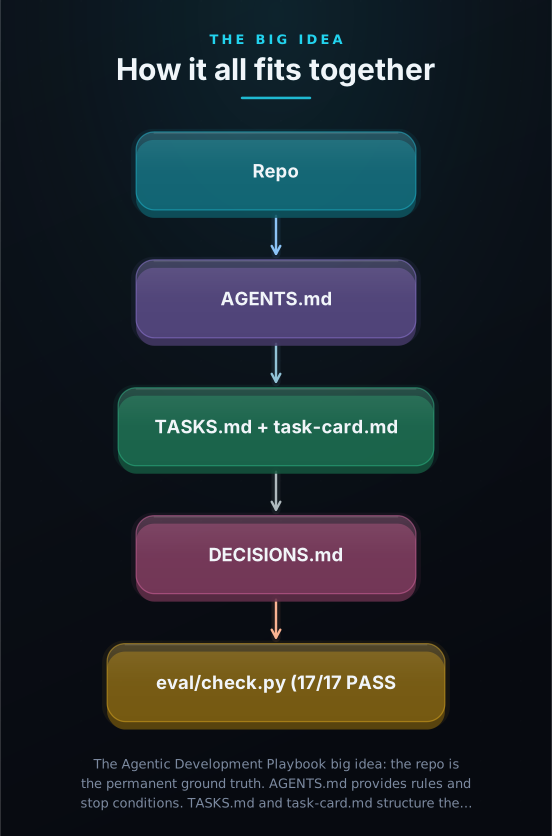
AI coding tools like Claude Code, Cursor, and Codex write code fast — but they forget everything when the session ends. This is a workflow kit that fixes that: 15 templates that make your repo the permanent source of truth, plus a conformance check that verifies they are set up correctly.
Built by Stefan Manja — who builds internal AI systems for enterprise workflows that hold up after the demo ends.
An independent explainer for Stefan Manja (manjast)'s agentic-development-playbook — built to take you from "never seen it" to "ready to implement".

01
AI Coding Tools Forget Everything When the Session Ends
Why does this exist?
AI coding tools like Claude Code, Cursor, and Codex work inside a context window — the tool's short-term memory for a single chat session. When the session ends, that memory resets completely. If your project's decisions, task state, and rules live only in those conversations, they vanish.
You give your AI coding tool a task. It builds something. You close the tab. Next session, the tool has no memory of why that architectural choice was made, which files are in scope, or what "finished" even means. It starts guessing — sometimes brilliantly, sometimes catastrophically.
Without a reliable permanent record, every AI coding session is a fresh roll of the dice. Five specific failure modes appear again and again: decisions evaporate between sessions, tasks drift from reality, code changes become impossible to review, evaluations lack reproducible evidence, and templates multiply until no one maintains them. Every one of these is preventable.
The expensive lesson most teams learn the hard way: the session is ephemeral. The repo is permanent. Anything important that lives only in the conversation is gone when the conversation ends — and gone again the next time.
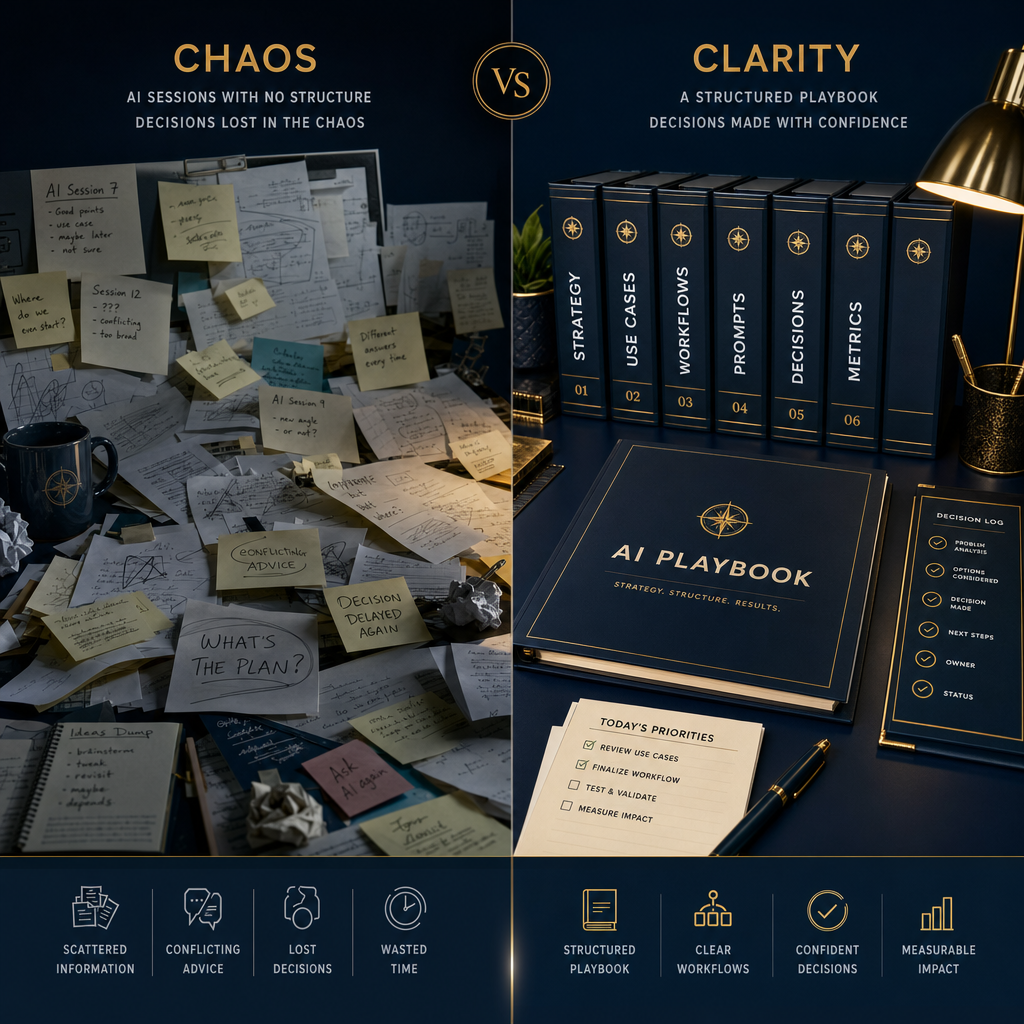
The root causeAI coding tools forget. Your repo does not. The fix is to put everything important into versioned files — and read them at the start of every session.
02
A Set of Files That Make the Repo the Source of Truth
What does it actually do?
Copy 15 Markdown templates into your repo. Fill them in. Run one Python script. That is the entire installation — your AI coding tool now has a permanent, reliable source of truth for every session.
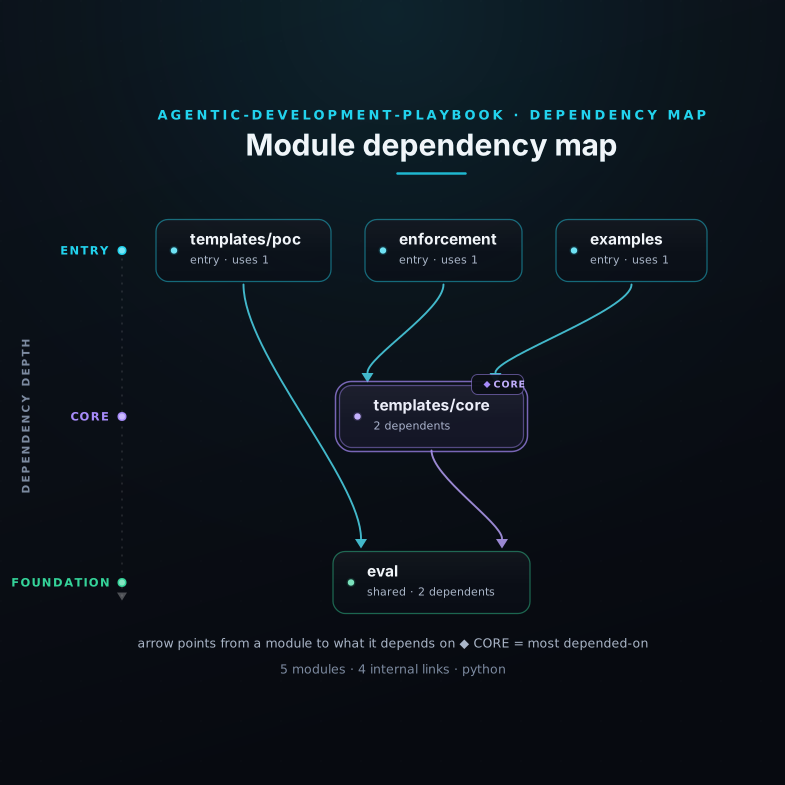
The Agentic Development Playbook is a set of 15 Markdown templates — each one designed to prevent a specific failure mode — plus a conformance check script that verifies the templates are properly structured. The conformance check is a single Python file; it runs in under 5 seconds and needs no extra packages.
There are two paths. The Core Path (7 templates) is for disciplined implementation when the plan already exists: an instruction file that grounds every session with rules and boundaries, a task backlog, a decision log, an atomic task card with explicit scope, a phase gate checklist, a current-state file, and a tool pointer for each AI coding assistant. The Proof-of-Concept Path (6 more templates) is for exploratory work that needs to produce decision-grade evidence — a structured brief, evaluation gate, and run record — before hardening further.
The templates are tool-agnostic. The instruction file works with any AI coding tool: Claude Code, Cursor, Codex, Gemini CLI. Each tool gets a one-line pointer to it. The discipline stays consistent regardless of which AI model is in use.
03
The Clever Move: Put Everything in Files, Not in the Chat
Why is it elegant?
Most teams fight the session-reset problem by trying to keep everything in the prompt — copying in context, re-explaining rules, restating decisions. This is an arms race with the context window that you cannot win.
The instruction file tells the AI coding tool exactly what to do at the start of every session: which files contain the spec, what the rules are, when to stop and ask a human. The task backlog shows what is in-progress, ready, blocked, and done. The decision log is append-only — every real choice is recorded with the question, the options considered, and the rationale. The task card defines a single atomic piece of work with explicit allowed and forbidden file paths and runnable verification commands.
The conformance check makes this structural, not just cultural. It runs in under 5 seconds and verifies that every template has its required fields. An evaluation gate without its 7 sub-checks fails the check. A run record without its 8 required keys fails the check. The check catches exactly what it promises to catch — no more, no less.
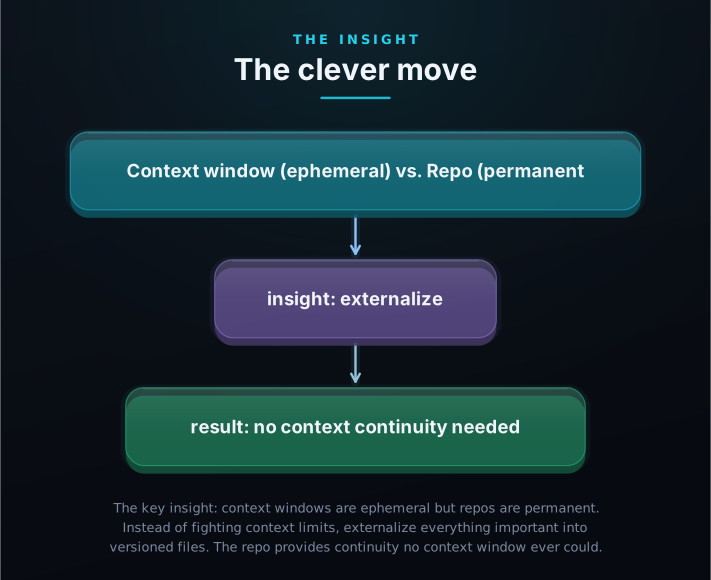
The Playbook inverts the approach: accept that sessions end, and put everything important into a file instead. The instruction file grounds every session. The task backlog always reflects reality. The decision log answers questions months later. The task card forces explicit scope before any code is written. The repo provides continuity that no chat session ever could.
04
How It Works: One Disciplined Loop, Every Session
How is it built?
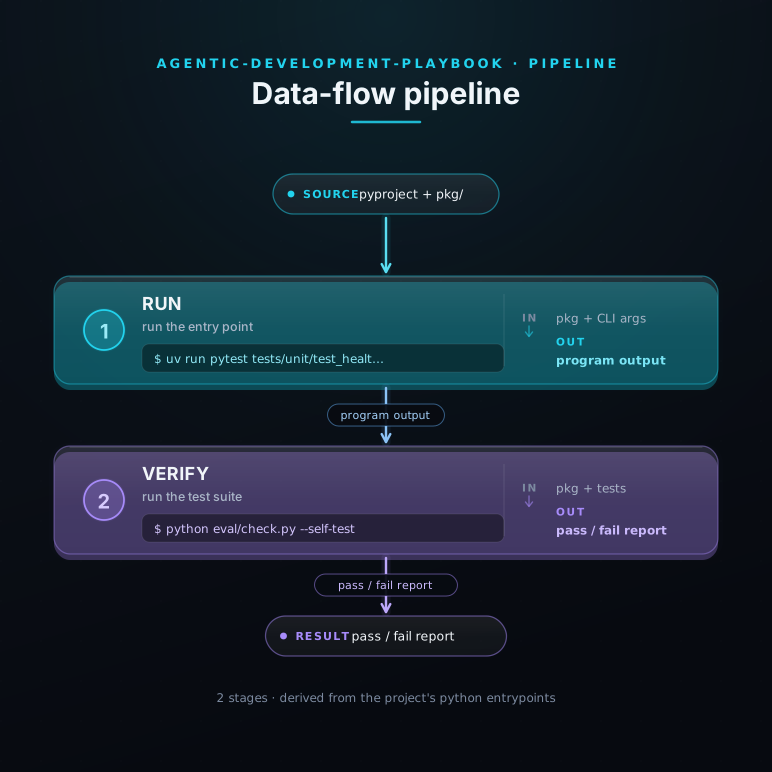
The Playbook structures every AI coding session as a repeatable, reviewable loop. The agent reads the ground truth, picks a task, scopes it explicitly, implements it, verifies it, commits it, and updates the record.
The Core Loop: (1) Read AGENTS.md — rules, stop conditions, spec root. (2) Read TASKS.md — pick one Ready item (WIP limit: 1). (3) Create task-card.md with explicit Goal, allowed/forbidden file paths, acceptance criteria, and runnable verification commands. (4) Implement — only in-scope files, no drive-by refactors. (5) Run verification — if it fails, fix and re-verify; no bypasses. (6) Commit with a Task: T-XXX trailer. (7) Update TASKS.md and DECISIONS.md. (8) Archive the task card. Repeat.
The optional enforcement layer locks this discipline at the commit level: git hooks (via lefthook) require the task trailer in every commit message, require TASKS.md in every diff, and record every commit hash to an append-only ledger. Bypassed commits are reported as drift — not silently ignored. The layer is opt-in, universal (any agent), and ships in four components: hooks, an opencode plugin, a verifier subagent, and a cron/CI executor.
05
Who Is This For?
Could I use this?
Anyone who builds software with AI assistance and has felt the pain of a session ending before the work is done — or a session starting with no idea where the last one left off.

1 Solo builders shipping with AI assistance Core path
You build with Claude Code, Cursor, or Codex. You've lost context enough times to know exactly how that story ends. The Playbook gives every session the same consistent shape — the same ground truth, the same rules, the same verification standard — whether it's your second session or your two-hundredth.
2 Engineering teams adopting AI-assisted development Core + enforcement
Multiple engineers. Multiple AI tools. Multiple sessions per day. AGENTS.md ensures every agent — human or AI — starts from the same spec. DECISIONS.md means nobody has to ask 'why did we do it this way?' task-card.md means every AI-generated diff is a reviewable unit of work.
3 ML and DS teams running evaluations PoC path
You need decision-grade evidence, not just 'the model seemed better.' GATES.ml-eval.md (7 required sub-checks) and run-manifest.json (commit, seed, environment, budget) give your evaluation a reproducible record that holds up in a gate review — or survives you taking a two-week vacation.
4 Engineering leaders who review AI-generated code All paths
task-card.md's explicit 'In scope / Out of scope' and allowed/forbidden file paths make AI-generated diffs reviewable. One task = one commit = one reviewable unit. The era of the 47-file, mystery-provenance mega-diff is over.
06
Get Started in Five Minutes
How do I start?
No tools to install. No account. No CLI. Just copy files, fill them in, and run one Python script that tells you immediately whether the structure is correct.
python eval/check.py- Clone the Playbook repo Run: — it takes a few seconds.
- Copy the 4 core templates From the folder, copy , , , and into your project root. If you use Claude Code, also copy as a one-line pointer.
- Fill in the instruction file Open and set your project name, your spec root directory, and any project-specific stop conditions. The template ships with sensible defaults — you are editing, not writing from scratch.
- Add your first task Open and add one item in the Ready section. Then create using — fill in the Goal, the allowed file paths, the acceptance criteria, and the verification commands.
- Run the conformance check Run from your project root (no dependencies needed, works on stdlib Python 3.12 or 3.13). You will see a line for each template: . If anything is missing, it prints the exact field that needs to be filled.
- Start your AI coding tool Paste this into your AI coding tool of choice: "Read first. Use as the backlog. Create a task card for the first Ready item. Implement one task at a time. Follow the After Completing checklist." The tool reads the instruction file, picks a task, scopes it explicitly, implements it, verifies it, and commits it — then updates the backlog and archives the card.
07
The AI Knowledge Pack
Does my AI get it too?
Every explainer ships with a downloadable AI knowledge pack — the full contents of this repo embedded into a retrieval-ready knowledge base your AI tools can query directly.